Manager · Administrator
Set schedules, vacation, sick leave and holidays
Define each person’s schedule and use their leave to calculate expected work and accounted hours.
Before you start
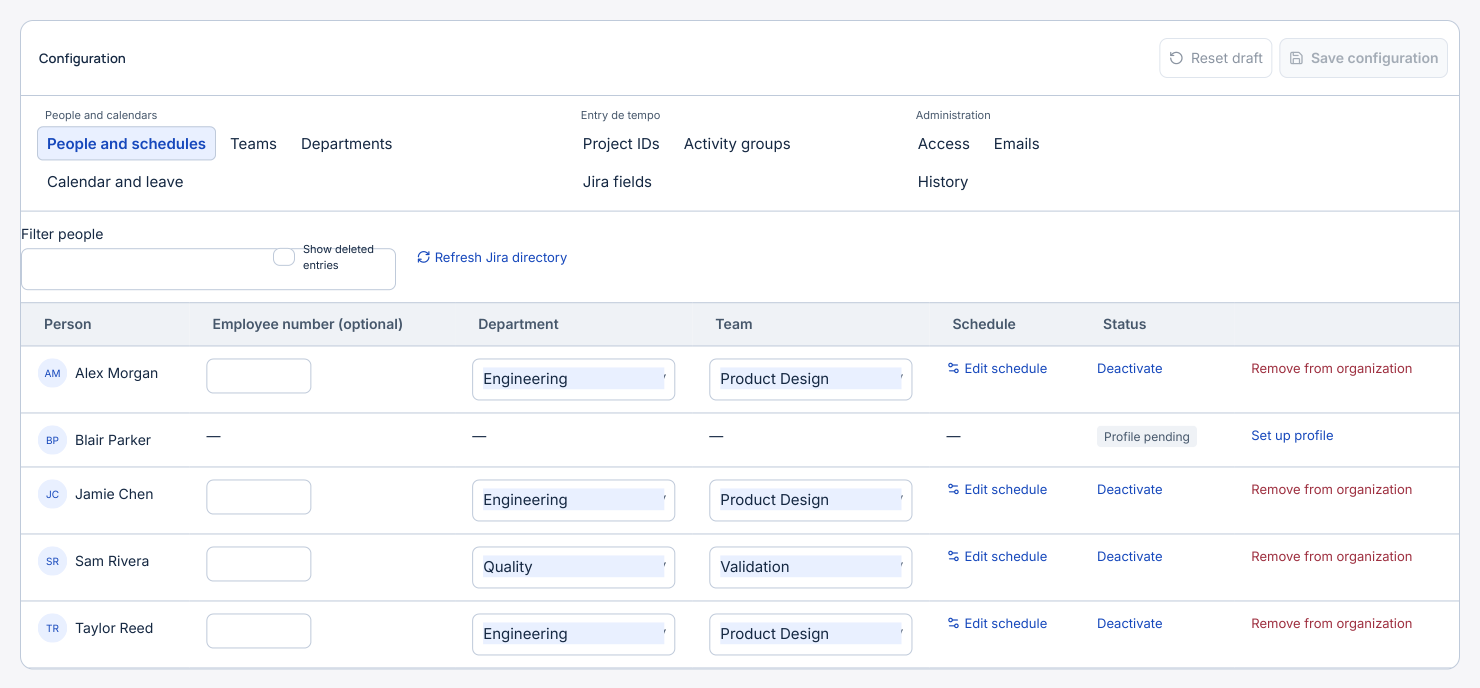
In Organization → People and schedules, complete the person’s profile and enter hours for their working days.
Step by step
- In Organization → Calendar and absences, check the time zone. To import national public holidays, choose the country and year, review the dates and affected people, then apply to the draft and save.
- To import the annual company plan, select Import Excel and choose a file containing the PlanoFerias sheet. Check the year, establishment and people. An employee number can identify an existing profile. Confirm name suggestions and exclude people without a Jira match.
- Review markings and conflicts in the preview. In this format, FF indicates vacation, BB sick leave and FP planned days. Apply to the draft and save. Reimporting compares previously imported entries and preserves manually entered periods.
- A person with an active profile can add, edit and delete their own periods in My Timesheet → Holidays and absences. An authorised manager can also adjust them in Organization.
- On a scheduled eight-hour weekday, a full vacation day credits eight vacation hours and leaves zero hours of expected work. Two hours of absence leave six hours of expected work. A public holiday coinciding with vacation counts once. Saturdays and Sundays receive zero calendar hours for vacation, sick leave, other absences and holidays. Actual work logged on those days still counts.