Manager · Administrator
Set up Miscellaneous activities
Make internal activities such as training and meetings available for work without a Project ID.
Before you start
New project entries use a Project ID and a Jira issue. The activity-type selection applies to Miscellaneous work.
Step by step
- Open Organization and review the reserved Miscellaneous group. Choose the active internal activities people can log.
- Under destination settings, select the Jira issue that receives internal work. Apply the draft and save the configuration.
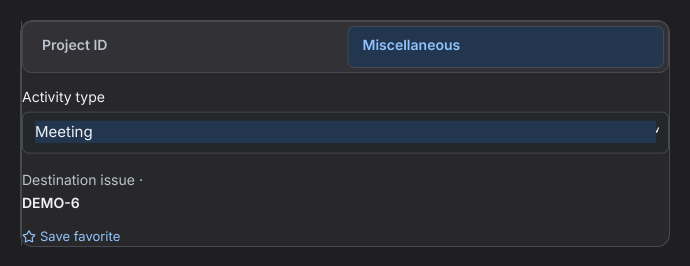
- Open the timer or log-time form. Choose Miscellaneous, select an activity and check its destination before saving.
- In Reports, open Hours by project and activity to see the Miscellaneous breakdown and activity classifications retained on historical project entries.